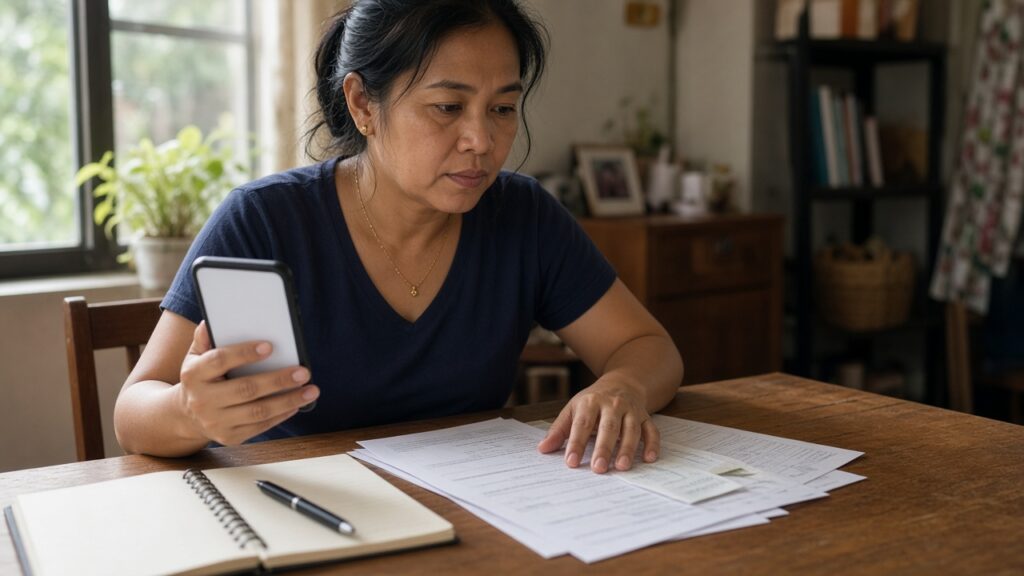
Your GCash or Maya transfer went to the wrong account and support keeps sending the same canned reply. Your bank charged a fee you never agreed to. An ATM swallowed your cash but your balance still went down. If you’ve been there, you know the feeling: you’re not sure who to talk to next, and it seems like the bank holds all the cards.
Good news: you have more power than you think. Banks, e-wallets and other institutions supervised by the Bangko Sentral ng Pilipinas (BSP) are required by law to handle your complaint, and if they don’t fix it, you can escalate to the BSP for free. Here’s how the process works, step by step, in plain language.
Your rights as a financial consumer
In 2022 the Philippines passed Republic Act No. 11765, the Financial Products and Services Consumer Protection Act. It lists five rights of financial consumers:
- the right to equitable and fair treatment;
- the right to disclosure and transparency of financial products and services;
- the right to protection of your assets against fraud and misuse;
- the right to data privacy and protection; and
- the right to timely handling and redress of complaints.
The same law requires every financial service provider to set up a Financial Consumer Protection Assistance Mechanism (often shortened to FCPAM), a free channel for complaints, inquiries and requests. It also says that when an amount is disputed or a transaction is unauthorized, the provider should suspend interest, fees and charges (or give similar reasonable accommodation) while it finishes its investigation. That’s useful to know if, for example, a credit card charge you didn’t make is piling up interest.
The BSP explains these rights in its FAQ on the Financial Consumer Protection Act.
Who does the BSP cover?
The BSP handles complaints about institutions it supervises, which it calls BSP-supervised financial institutions (BSFIs or BSIs). These include banks and digital banks, e-money issuers such as e-wallets, pawnshops, and money service businesses like remittance companies. If you’re not sure whether a company is under the BSP, check the BSP’s Directory of BSI Consumer Assistance Channels, which also lists each institution’s official complaint contacts.
Not everything goes to the BSP, though. Under RA 11765, the Securities and Exchange Commission (SEC) covers providers under its jurisdiction, such as lending and financing companies, the Insurance Commission covers insurers, and the Cooperative Development Authority covers cooperatives offering financial services like savings and credit. So a complaint about an online lending app usually goes to the SEC, not the BSP.
Step 1: Complain to the bank or e-wallet first
The BSP calls its own process a second-level recourse. According to the BSP’s guide, How to File a Complaint with BSP-CAM, you must report your concern to the institution’s FCPAM or customer service channel first. Only if you’re not satisfied with how they handled it should you escalate.
To make this first step count:
- Use official channels only. Get the hotline, email or in-app help center from the official app or website, or from the BSP directory above. Scammers love posing as “customer service” on Facebook and in comment sections.
- Put it in writing. Email or in-app tickets leave a record. If you call, write down the date, time and the name of the agent.
- Get a ticket or reference number. You’ll need it later.
- Be specific. State the date, the amount in pesos, the transaction reference number and exactly what you want: a refund of ₱1,500, reversal of a fee, correction of your records, and so on.
- Keep everything. Screenshots of the transaction, SMS or email notifications, receipts, and every reply from the institution.
Step 2: Escalate to the BSP through BOB
If the institution’s answer doesn’t solve your problem, or it simply doesn’t respond, you can file with the BSP’s Consumer Assistance Mechanism (CAM). The main channel is the BSP Online Buddy, or BOB, a chatbot. Based on the BSP’s consumer assistance page and its filing guide, you can reach BOB by:
- clicking the BOB robot icon on the official BSP website (bsp.gov.ph); or
- clicking the Message button on the BSP’s official Facebook page.
Chat with BOB until you receive a reference number (the BSP’s guide shows the format as something like BSPCMS-2024-ABC1234). That number means your complaint has been processed, so save it. The BSP says BOB evaluates the complaint right away, refers it to the institution if needed, and passes it to a human Consumer Specialist when it can’t give an immediate answer.
Step 3: No access to BOB? Use email, phone or walk in
If you can’t use the chatbot, the BSP accepts complaints through other channels. You can download the Complaints, Inquiries and Requests (CIR) Form from the BSP website, fill it out, and email it to [email protected]. According to the BSP, your email or letter should include:
- a statement that you don’t have access to BOB, or that you prefer to file by mail or email;
- the details of your concern;
- the resolution you’re asking for;
- a phone number and email where you can be reached during the day;
- a copy of the complaint you filed with the institution and its reply, if any; and
- copies of documents that support your complaint.
You can also call the BSP Consumer Protection and Market Conduct Office at (02) 5306-2584 for help, or submit your complaint in person at the BSP Manila office or the nearest BSP regional office or branch. If you already have an existing case, put your reference number in the email subject line so it gets matched to your file.
What happens after you file
The BSP describes its role as helping you and the institution communicate so you can reach a mutually acceptable resolution. In practice:
- BOB: you get a case reference number immediately.
- Email: you get an automated acknowledgment. A Consumer Specialist evaluates the concern and, if needed, responds or refers it to the institution within seven banking days of receiving it, according to the BSP’s FAQ. The BSP also notes that heavy email volume can make responses slower than usual.
- Postal mail: the BSP says it will respond within seven banking days of receiving your letter.
After referral, the institution is expected to contact you directly by phone or in writing, with a copy to the BSP, explaining what it did about your concern. Keep your reference number handy and follow up through the same channel if things go quiet.
Protect yourself while filing
The BSP’s filing guide is very clear: do not share your PIN, password, OTP, full account number, credit or ATM card number, passbook, passport or other IDs. The BSP says it doesn’t need these to process a complaint. That’s also a good scam filter. If someone claiming to be from the BSP, your bank or your e-wallet asks for your OTP or PIN “to process your refund”, stop. That’s a scam, not a complaint process. For more red flags, read our guide on how to spot money scams in the Philippines.
Tips that make your complaint stronger
- Act fast. The sooner you report a wrong transfer or an unauthorized transaction, the better your chances. Report the moment you notice.
- Keep a simple timeline. A short list like “Nov 2: sent ₱3,000; Nov 2: reported via app, ticket no. 12345; Nov 6: follow-up, no reply” makes your case easy to understand.
- Stay calm and factual. Clear facts and a clear ask get further than angry posts.
- Know what you want. A refund, a reversal, a written explanation, a corrected record. Say it plainly.
- Be realistic. Filing doesn’t guarantee you’ll get your money back, especially if you sent money to a scammer yourself. But it puts your case on record with the regulator and pushes the institution to respond properly.
Quick summary
- Report to the bank or e-wallet’s official customer service or FCPAM first, in writing, and keep the ticket number.
- If it’s unresolved, chat with BSP Online Buddy (BOB) on the BSP website or Facebook page and save your BSPCMS reference number.
- No access to BOB? Email the CIR form and your documents to [email protected], call (02) 5306-2584, or go to a BSP office.
- Never share your PIN, password or OTP with anyone during the process.
Handling money well isn’t just about saving and earning. It’s also knowing how to stand up for yourself when something goes wrong. Bookmark this guide so it’s ready when you need it.
This article is general information only and not financial advice. Rates, rules and fees change, so please verify with the provider or the official agency before deciding.